Editor Actions
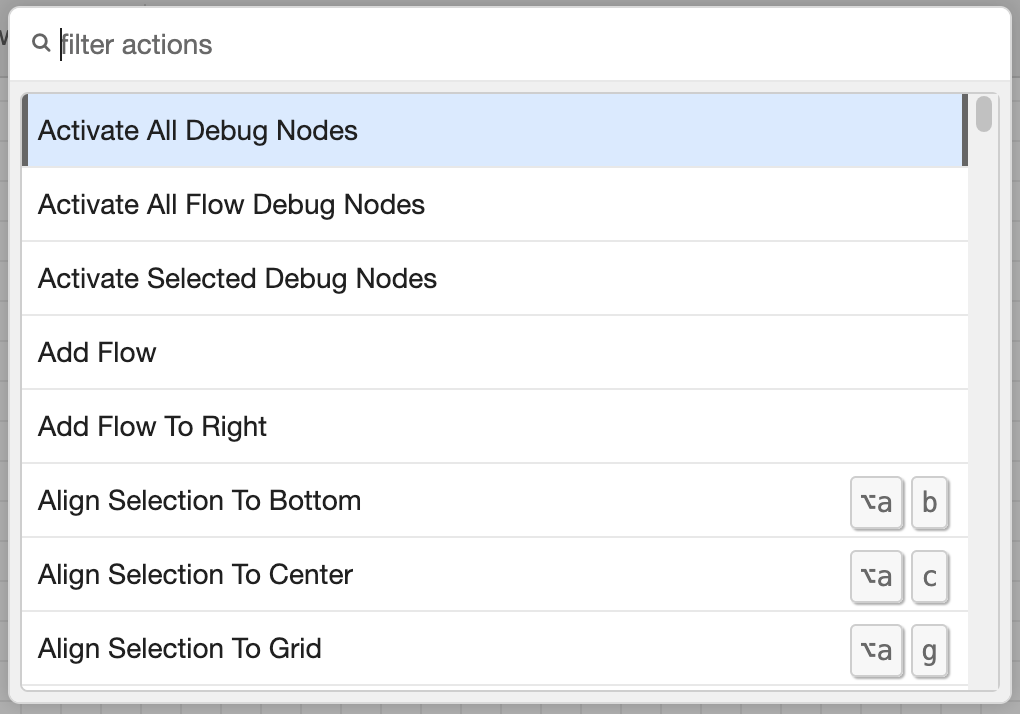
Actions list
Many of the tasks that can completed in the editor are exposed as Actions that can be assigned to keyboard shortcuts.
A full list of available actions can be found by opening the Action list. This is done via the View -> Action list menu
item, or the default Ctrl/⌘-Shift-p shortcut.
Throughout this user-guide, relevant actions are highlighted, along with any default keyboard shortcut that is preassigned.
| Reference | |
|---|---|
| Key shortcut | Ctrl/⌘-Shift-p |
| Menu option | View -> Action list |
| Action | core:show-action-list |
